
Rules, lead times, and what to do if something gets damaged.
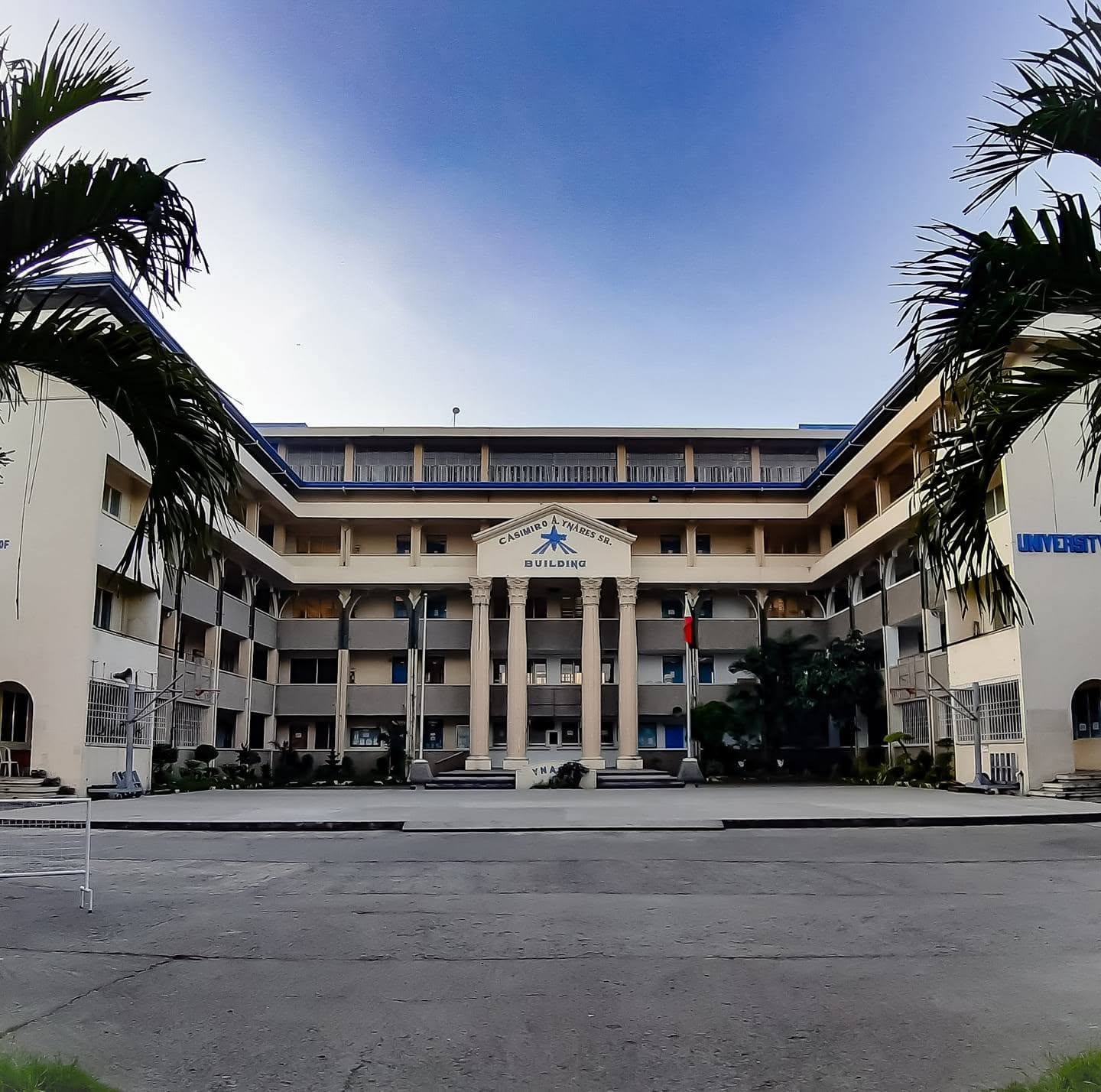
 Now with GSO AI Assistant
Campus resources,
one request away.
Borrow equipment, reserve rooms and venues, and report maintenance
issues at URS Binangonan — then follow every request until it's done.
- For students, faculty & staff
- Track every request
- AI help any time
RESOURCES
Equipment to borrow, spaces to book.
Preview what's available across campus. Sign in when you're ready to send a request.
 Laptop2 available
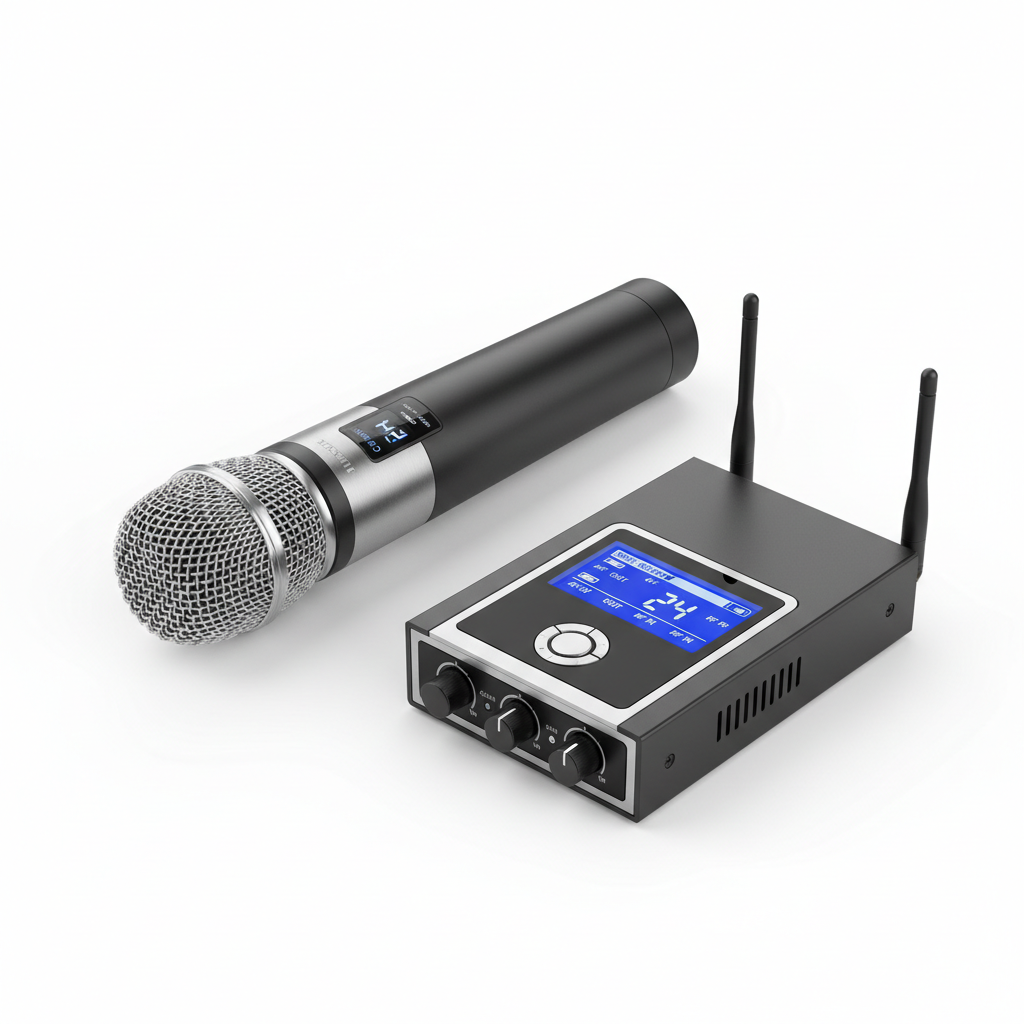 EQUIPMENTWireless Mic3 available
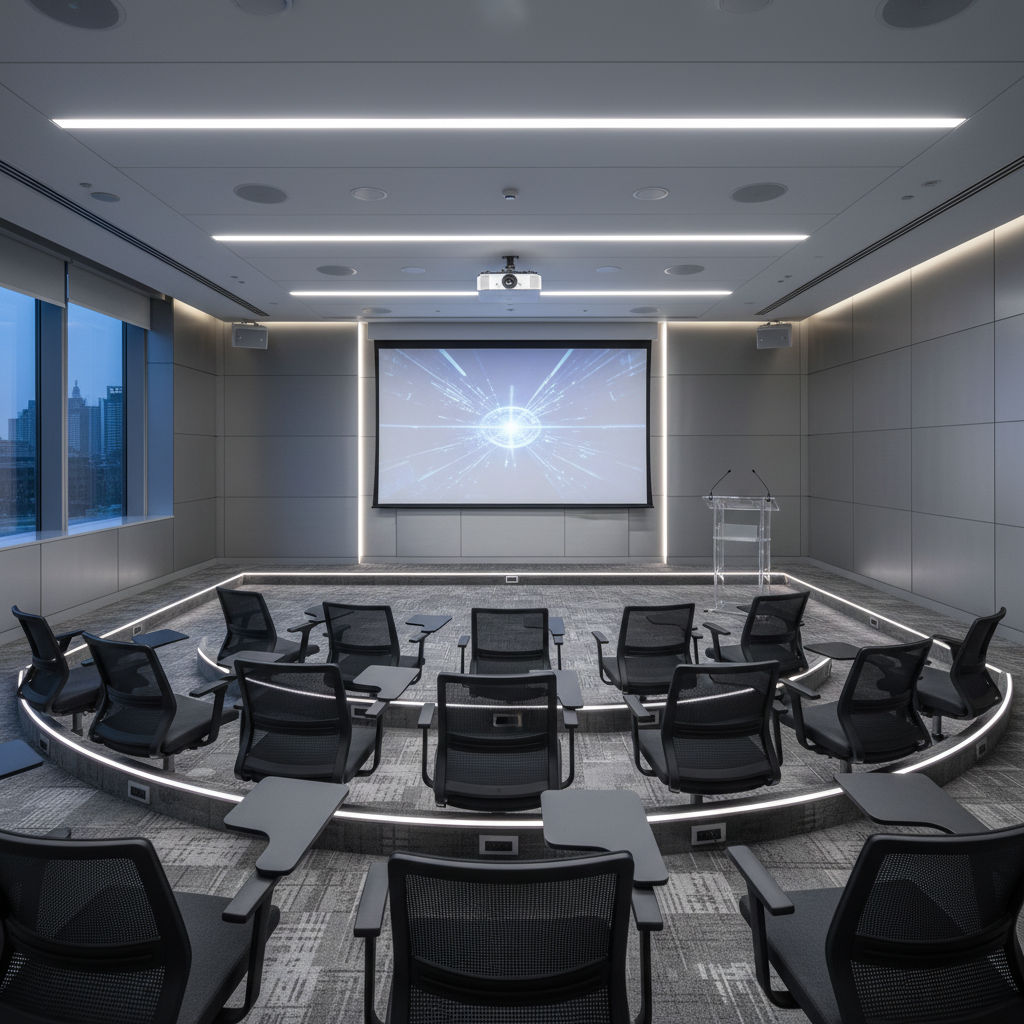 FACILITYAVR RoomCCS-305 · Max 80 pax
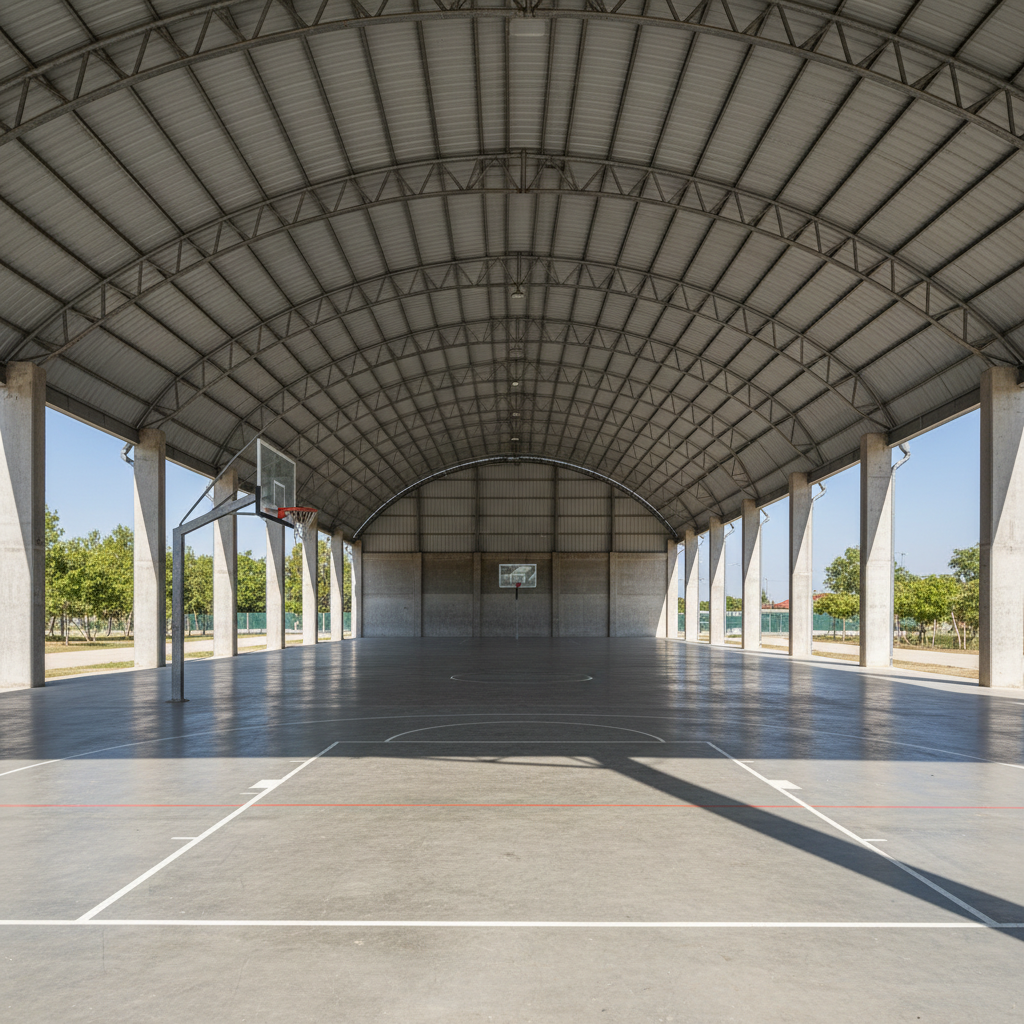 FACILITYCovered CourtMain Campus · 250 pax
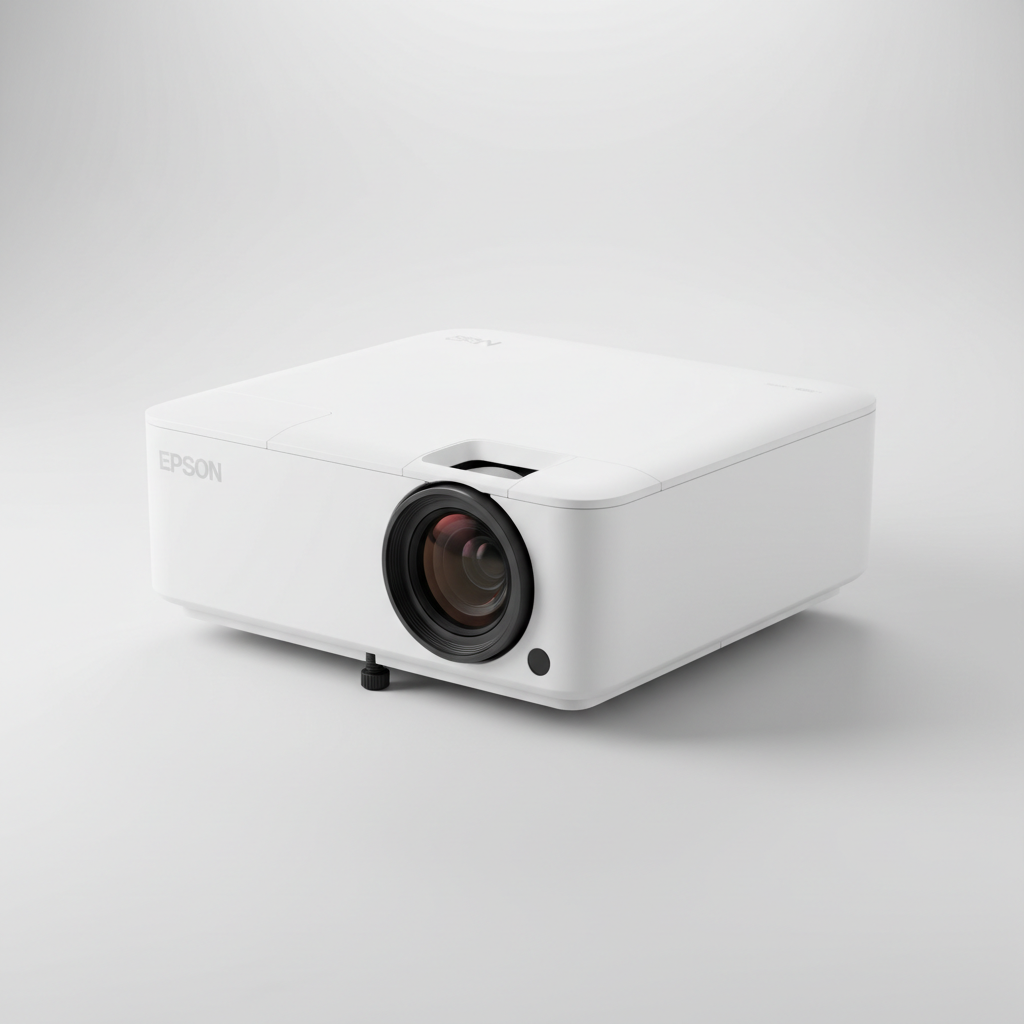 EQUIPMENTProjectorEpson · 4 available
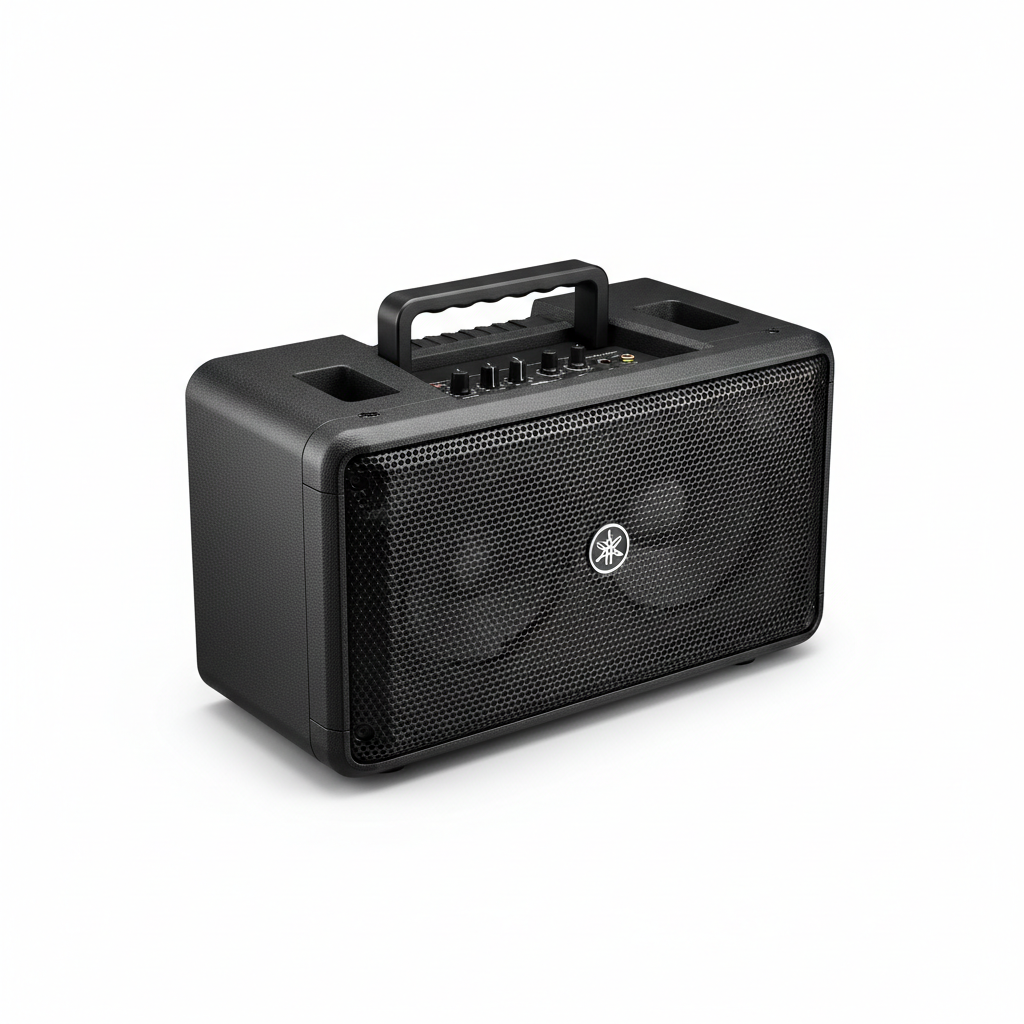 Sound System1 available
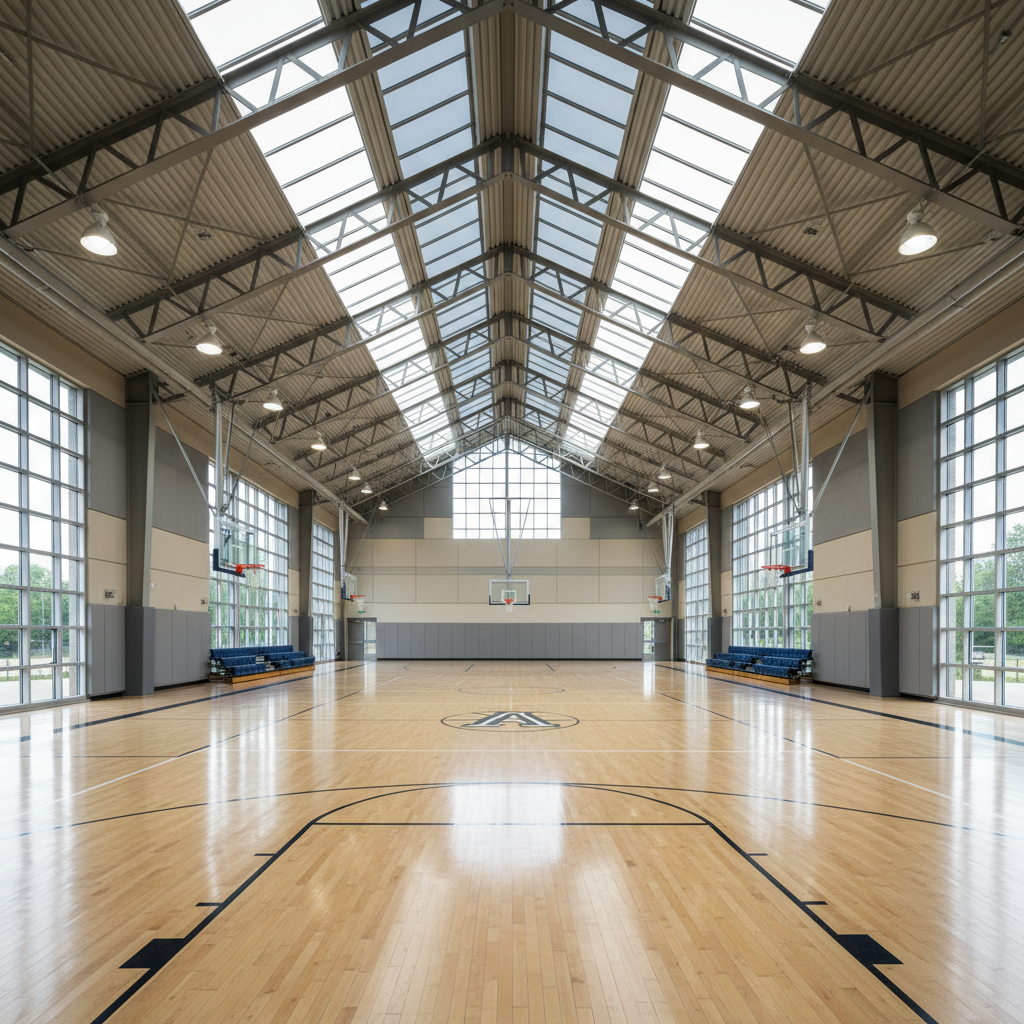 GymnasiumCOB-101
WHAT IS AI-ASSISTED?
Your GSO questions,
Answer FAQs
Inventory info
Check availability
Request via AI
Request status
Report an issue
Your GSO questions,
answered in seconds.
GSO Assistant is a chat helper built into the portal. It answers from the GSO's own records and guidelines, so you can get help any time — even before you visit the office.
WHAT AI-ASSISTED CAN DOWhat the GSO has, how many units, and where they're kept.
See if a room or item is free on your date and time.
Say what you need. It drafts the request — you review and submit.
Ask where your request is — under review, approved, or ready to claim.
Tell it what's broken, and it helps you send the report to the GSO.
Requests need you to sign in.
GSO Assistant Online · answers from live GSO records
Is the AVR free this Friday, 1–4 PM?
Yes! CCS-305 (AVR) is free on Fri, Oct 9 from 1:00–4:00 PM. It fits up to 80 people.
Fri, Oct 9 · 1:00–4:00 PMCCS-305 · Audio-Visual Room ● FreeDraft a request
How many projectors are available?
4 Epson projectors are available right now.
Ask about items, rooms, or rules...
Nothing is sent until you press Submit
GSO Assistant Online · answers from live GSO records
Request the AVR and projector for our org meeting, Friday 1–4 PM.
Here's your draft. Check the details, then submit when you're ready.
Request draftUtilization Form ● Not submitted
- Facility
- CCS-305 (AVR)
- Equipment
- Epson projector × 1
- Schedule
- Fri, Oct 9 · 1:00–4:00 PM
- Approval letter
- Upload needed
Ask about items, rooms, or rules...
GSO Assistant Answers about the GSO portalTry asking
Check details before you submit a request.
Ask GSO Assistant
Aircon not cooling
Lights flickering
Leaking faucet
Broken chair
avr_aircon.jpg1 of 3 photos
Report an issueGoes straight to the GSO Head
CCS-305 · Audio-Visual Room
The aircon runs but doesn't cool. Water drips from the unit onto the seats.
avr_aircon.jpg1 of 3 photos Classes can't be held here until it's fixed
Report update Submitted Approved · Under maintenance Fixed · Available again
REPORT AN ISSUESomething broken?
Something broken?
Let the GSO know.
Report problems with rooms and facilities — a leaking aircon, broken lights, or damaged chairs — right from the portal. Add a photo, and the GSO takes it from there.
- Send a reportPick the room, describe the problem, and add up to 3 photos.
- GSO reviews itApproved reports become a work order, and the room is marked Under Maintenance.
- Get notified when it's fixedThe room goes back to Available for booking.
Report an issueSign in to send a report.
HOW TO REQUEST
Six simple steps, from request to return.
The General Services Office (GSO) lends equipment and manages rooms at
URS Binangonan. Here's exactly how borrowing works.
Projector
4 availableFree Oct 9
Browse equipment and rooms. Booked dates are blocked automatically.
Date Fri, Oct 9Time 1:00–4:00 PMPeople 35
Pick your date and time, then add your activity and number of people.
signed-letter.pdfUploaded
Upload one signed approval letter for the whole request.
Approved
by the GSO HeadThe GSO Head reviews your request. You’ll be notified once it’s approved.
CLAIM SLIP CODEGSO-7K2Q
Show your Claim Slip Code at the office to receive your items.
ReturnedDone
Items checked by GSOBring everything back. GSO checks the items and closes your request.
RULES & REGULATIONSUse it well.
Use it well.
Leave it better.
These house rules apply every time you use a GSO facility or borrow equipment. They come straight from the Facility / Room Utilization Form.
NOTICEYou're responsible for the space
The current or last user of a facility is held responsible for any damage to the structure or loss of equipment caused by negligence.
- Damaged or lost items must be repaired or replaced.
- Breaking these rules is considered when the GSO reviews your next request for the same venue.
Source: Facility / Room Utilization Form, URS Binangonan
Only authorized personnel or students may operate the sound system, audio-visual equipment, and other devices.
The supervising personnel or faculty must remind participants to keep the facility and its surroundings clean.
Food isn't allowed inside the facility or room, unless it's approved in your request or for special occasions.
When the activity ends, turn off all lights, fans, aircon units, and other equipment. Leave the area clean.
Make sure all windows, doors, and other openings are closed before you leave the area.
For anything else about using the facility, coordinate with the GSO Head or Coordinator.
CREATE AN ACCOUNT
Sign up in minutes, then get approved.
Students, faculty, and university staff can create an account with their university
details. Every new account is checked by the GSO Head before it can sign in.
- Full name (middle name optional)
- University ID number
- Account type: Student, Faculty, or Staff
- College, department, or office
- Program and year level (students only)
- Mobile number
- A password, typed twice
- An email you can open
- The 6-digit code we send (valid 10 min)
● Email verified
- The GSO Head checks your details
- They must match university records
- You can’t sign in yet
● Pending approval
- You’re notified once approved
- Sign in with your username and password
- Start browsing and requesting
● Active
Create an accountAlready approved? Sign in